Controls and Gameplay Basics in Carve Wood
Carve Wood uses standard Roblox controls with a few game-specific interactions. Here’s everything you need to know.
Movement
- WASD — move.
- Space — jump.
- Shift — sprint.
- Mouse — look around.
Core Interactions
- E / click — interact with trees, the carving station, and customers.
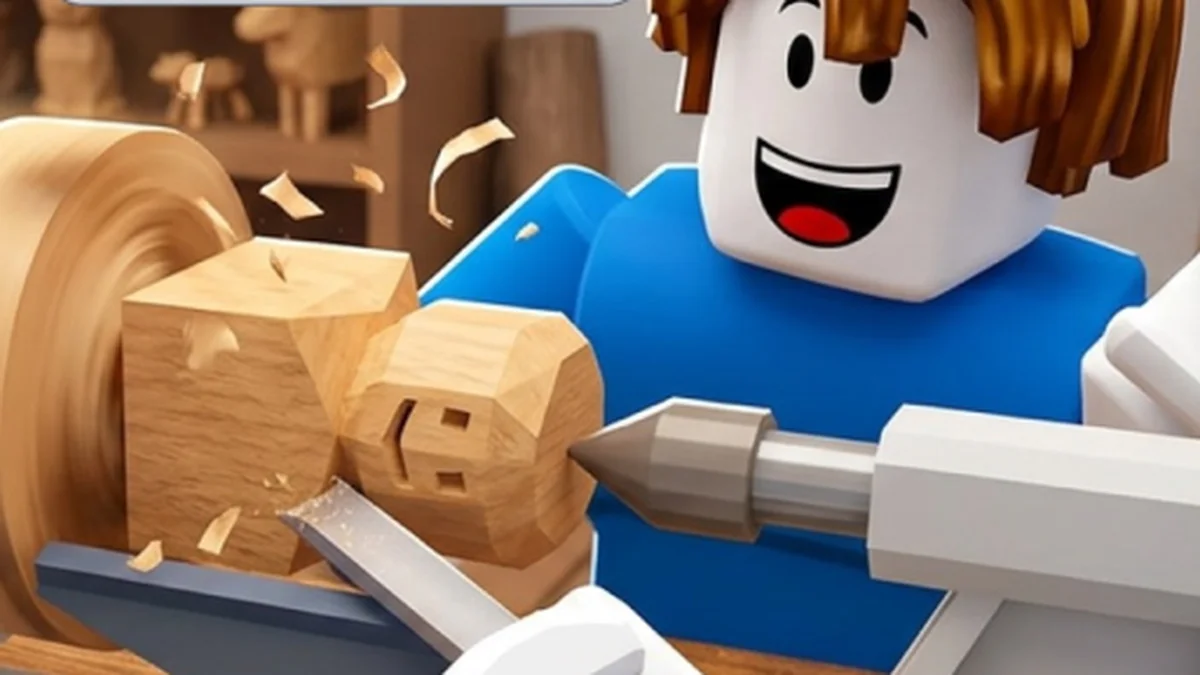
- Hold — hold the interact button to chop a tree or carve a log (the action needs to fill up).
- Roll button — roll for a new tree rarity in your lumber yard.
- Codes button — opens the code redemption menu (unlocks after the tutorial).
Daily Reward Token
A daily reward token is available once per day. Claim it at the main hub — VIP gamepass owners get an extra token daily.
Worker Management
Hire workers from the hiring menu. Each worker adds automated action to your yard:
- Chopper workers keep cutting trees.
- Carver workers run the carving station.
- Grower workers speed up tree regrowth.
Hotbar Tips
- Watch the customer bonus icon — when it appears, save up logs for a big 2x–5x cash-in.
- Offline? Your yard still grows trees and banks cash with the right workers (see Trucker).